







In today’s digital world, your computer isn’t just a tool — it’s your partner in productivity, creativity, and connection. Whether you’re juggling work files, online classes, or gaming marathons, it’s important to know when your device is no longer holding up its end of the deal. So, how do you know if you can still trust your computer?
Here are 5 signs to check:
1. Performance matters
Does your computer feel like it’s crawling through molasses? If boot-ups take forever or programs freeze too often, your system might be telling you it needs help — or retirement.
2. Can it multi-task?
In 2025, basic multitasking should be effortless. If opening your browser, launching Zoom, and reviewing a PDF crashes your workflow (or your laptop), it’s a clear sign something’s off.
3. Storage issues
If you’re constantly deleting files just to make space for one photo or document, your storage is too full — and it’s slowing everything else down.
4. Heat and noise check
Unusual fan noise or excessive heat could mean dust buildup, failing components, or an overworked processor. These aren’t just annoyances — they’re red flags.
5. Overall condition
Is your screen flickering? USB ports unreliable? Keys unresponsive? Cosmetic damage is one thing, but when hardware issues pile up, it’s time to consider repair or replacement.
Still unsure if your PC is worth saving?
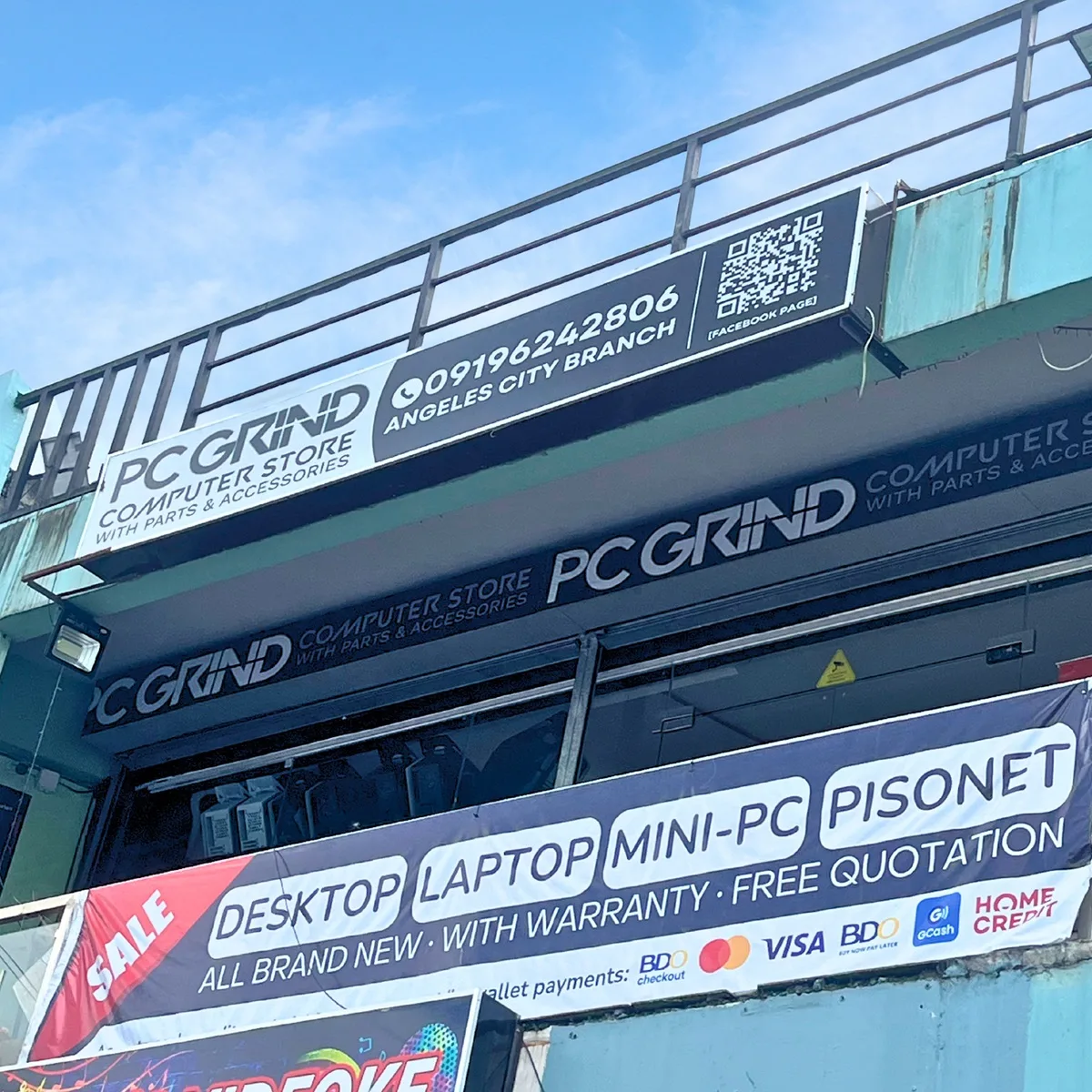
Don’t wait for a total crash. Get expert help from PC Grind in Angeles City, Pampanga — a go-to name for honest diagnostics, reliable repairs, and custom PC builds. Whether you’re a student, gamer, or remote worker, their team is ready to help restore your tech confidence.
Learn more: facebook.com/TeamPCGrind


